
Camera Modes
- md3335
- Feb 13, 2020
- 2 min read
Updated: Mar 5, 2020
Automatic Mode: Auto mode has the camera select shutter speed, aperture, ISO, white balance, focus, and flash. This can be used when you need to take a picture quickly.
Portrait Mode: The camera automatically uses a large aperture to keep the background out of focus. This is used to have the subject be the center of attention.
Macro Mode: Macro mode helps you take close-up pictures. It can be used to take pictures of small objects such as flowers, insects, or rocks.
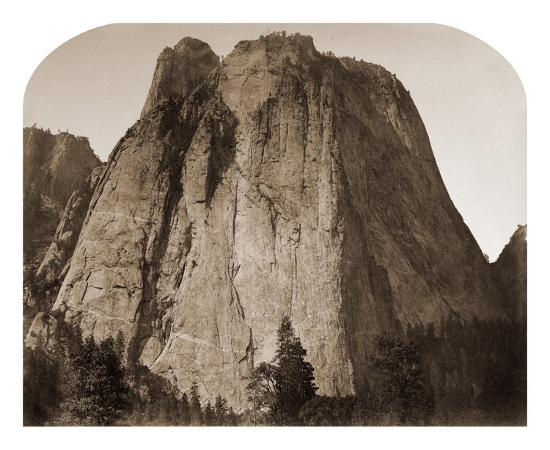
Landscape Mode: The camera automatically uses a small aperture to keep the whole picture in focus. This can be used to take pictures of wide landscapes.
Sports Mode: Sports mode is used to take pictures of fast-moving objects. The shutter speed is increased to "freeze" the action.
Night Mode: The camera uses a long shutter speed to get background details and uses a flash to light up the front of the picture. This is used in low light and it can be used to blur backgrounds with lights behind the subjects.
Movie Mode: This mode is used to take videos. Not all cameras have it and it usually is not up to video camera standards.
Aperture Priority Mode: This is used if you want to choose the aperture by yourself. It is used to control the depth of field.
Shutter Priority Mode: The camera chooses the settings but you control the shutter speed. This can be used to freeze moving objects.
Program Mode: This mode is almost the same as auto mode. You get a little more control over flash, white balance, ISO and some other features.
Manual Mode: In this mode, you have full control over your camera. You control every feature so that you can set up your pictures the way you want.
Comments